

Jamf Pro THE Apple device management software.
Manage and secure your iPhone, iPad, Mac and Apple TV devices from anywhere.Apple Device Management Reap the most from devices.
Users will thank you.Designed to automate mobile device management for you while driving end-user productivity and creativity, Jamf Pro is the Apple device management tool that empowers IT pros and the users they support by delivering on the promise of unified ecosystem management for Apple devices.
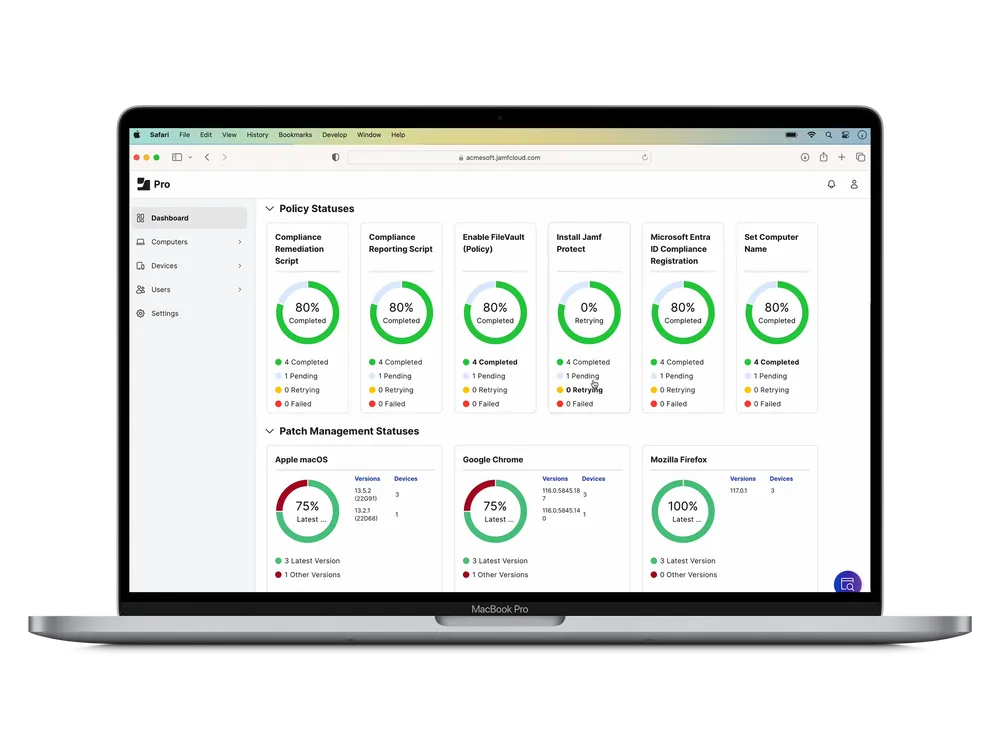
All the management capabilities you need in one package.
Bow included.Device Management — Ongoing management is the bread and butter of IT’s daily activities. Go beyond configuration profiles and use policies and scripts to customize devices for the optimal user experience.
App Lifecycle Management — Put apps in the hands of users without ever skipping a beat with automated and secure app management.
Jamf Remote Assist - Help end users troubleshoot no matter where they are with a secure, in-product remote screen-sharing experience.
Inventory Management — Automatically collect hardware, software and security configuration details from your Apple devices.
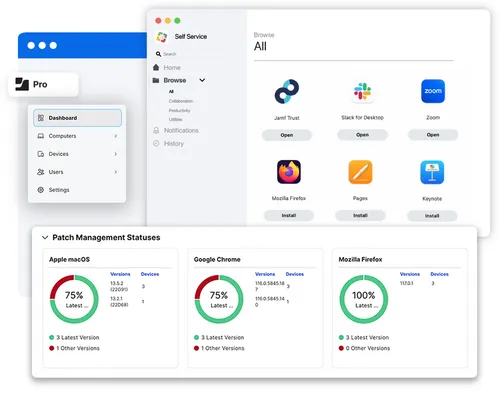
Secure from shrink wrap to sign off.
We've got you.Zero-Touch Deployment — Provision Mac, iPhone, iPad or Apple TV with hands-free zero-touch deployment and support secure BYOD programs for your users.
Self Service — Empower users with your own enterprise app store. Give them the ability to install apps, update software and maintain their own device without a help desk ticket.
Security — Secure your Apple devices by leveraging native security features. Manage device settings and configurations, restrict malicious software, and patch all your Apple devices without user interaction.
Jamf Apps Apps for employees using iPhone or iPad – wherever they work.
Jamf Setup, Jamf Reset and Single Login- Jamf Setup allows a single device to support multiple customized use cases; it also enables users to quickly set up and configure a device.
- Jamf Reset allows end users to initiate a complete wipe of a device for a simplified and secure reset workflow.
- Single Login streamlines authentication through a cloud-identity provider and provides a personal experience on shared iOS and iPadOS devices.
Together with partner apps and industry-specific workflows, the options to customize your experience are endless.
Leverage what you already have.
Jamf Pro works seamlessly with your asset management tools, network access controllers and other IT services:- Apple Business Manager
- Apple School Manager
- Cisco ISE, Security Connector and Fast Lane+
- Mac and iOS Conditional Access with Microsoft
- Conditional access with Google BeyondCorp Enterprise
- Active Directory and SSO/SAML
- SCCM, API and Integrations

Get started with Jamf.
Manage devices with all of the bells— and every single whistle.